
8086 Online IDE 8086 emulator in the browser
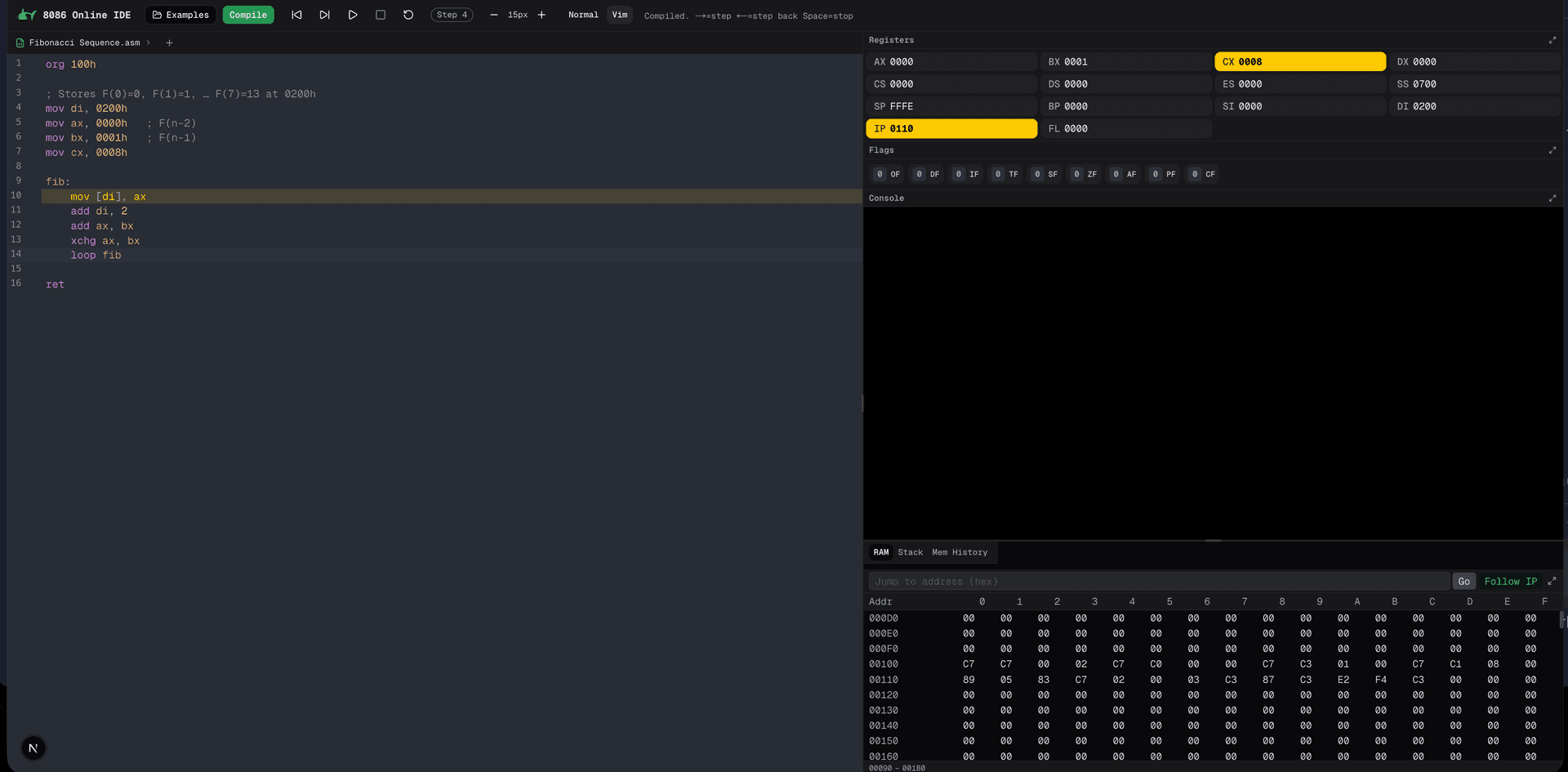
A complete 8086 processor, running in the browser.
The need
Let students write and debug assembly without installing anything.
What we built
An editor, an emulator and a step-by-step debugger on one page, with 48 example programs.
- JavaScript
- HTML
- CSS
The results
- 48
- example programs
- 1 Mo
- of browsable memory
What the app does, screen by screen
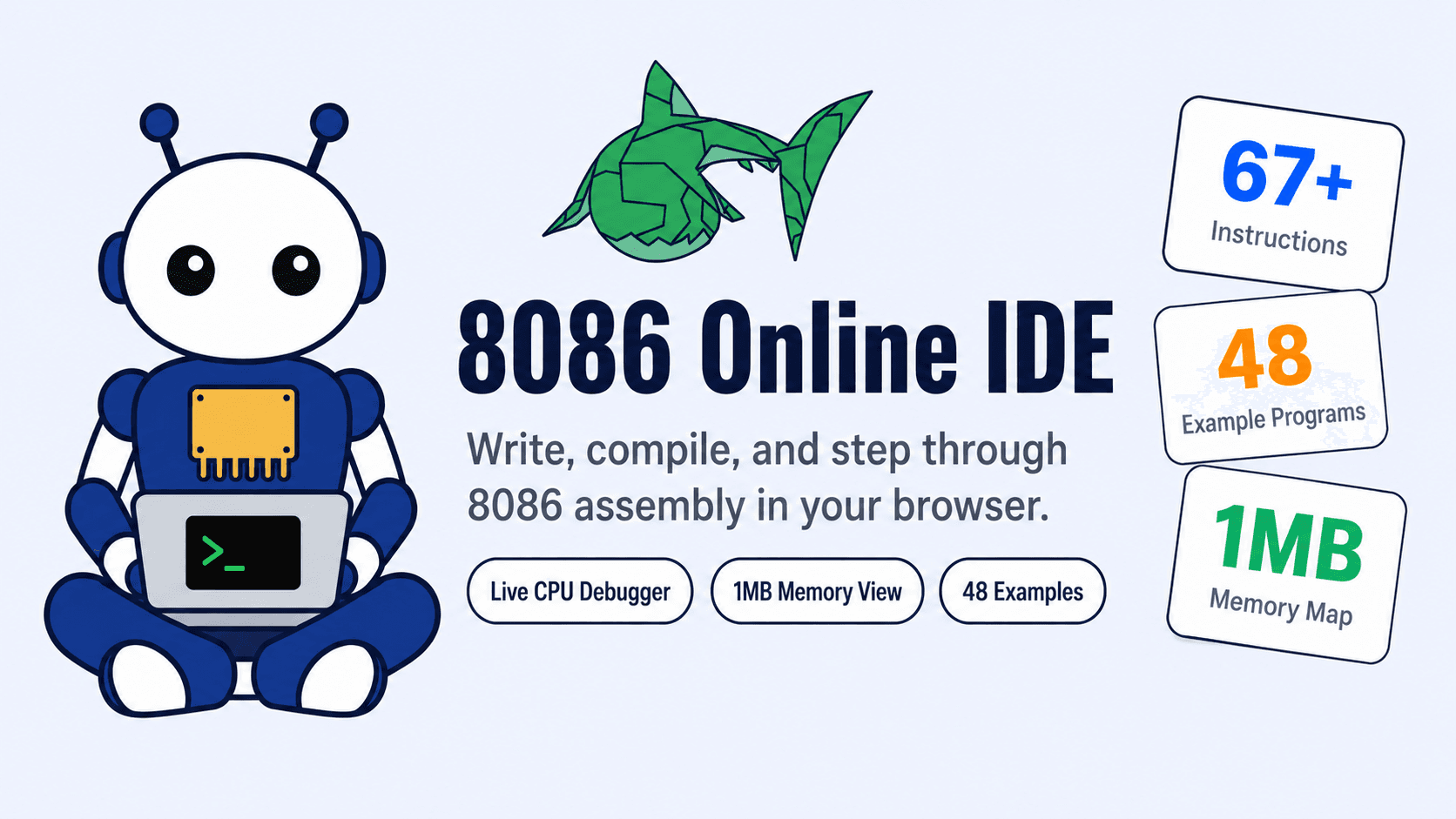
8086 Online IDE promotional thumbnail
- Browser-based IDE for writing, compiling, and stepping through 8086 assembly.
- Combines editor, CPU state, memory views, examples, and console I/O in one page.
- Built as an open-source university project with interactive debugging.
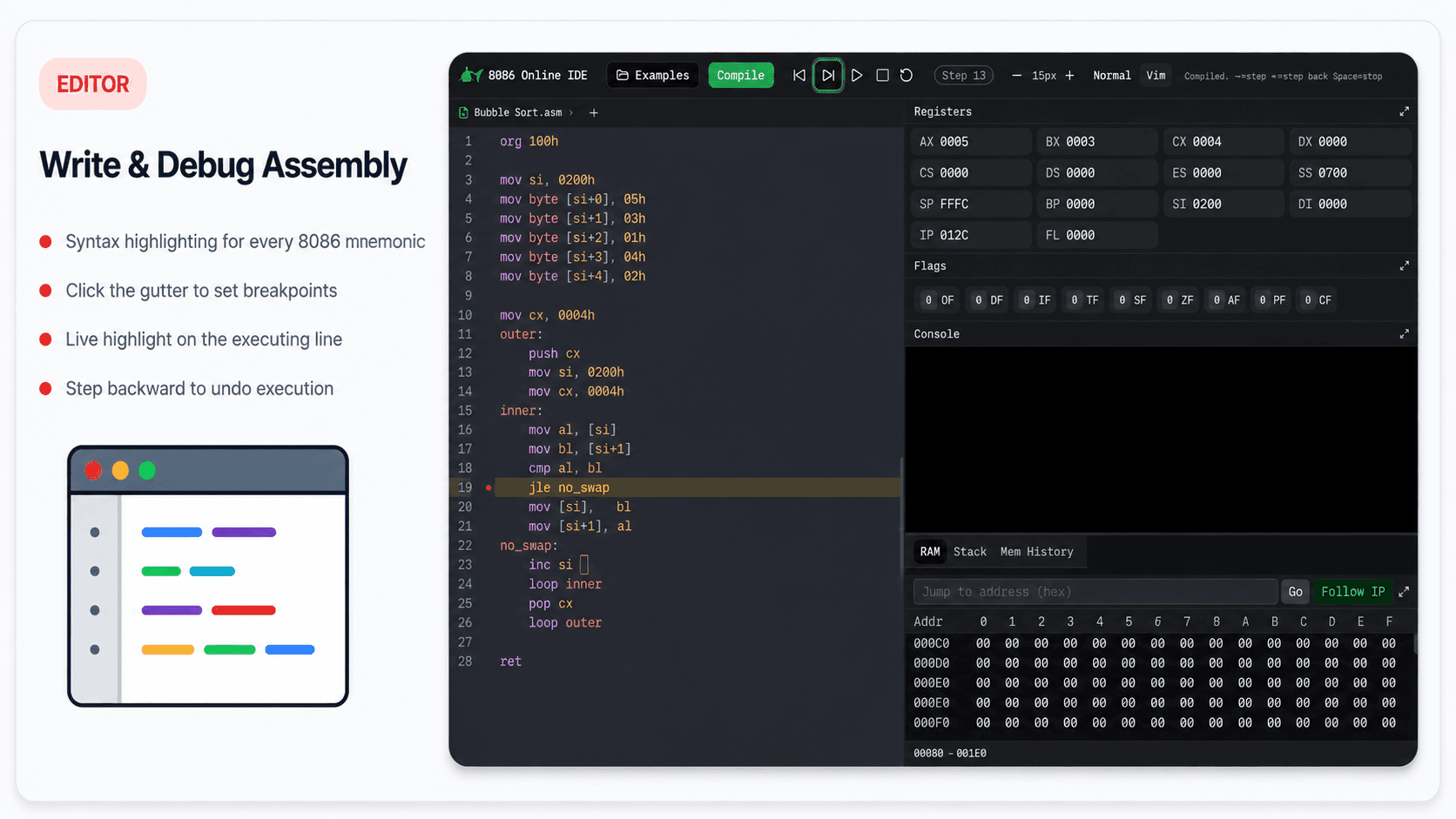
Write and debug assembly
- CodeMirror editor with 8086 assembly syntax highlighting.
- Gutter breakpoints let users pause execution on specific instructions.
- Live line highlighting keeps the current execution point visible.
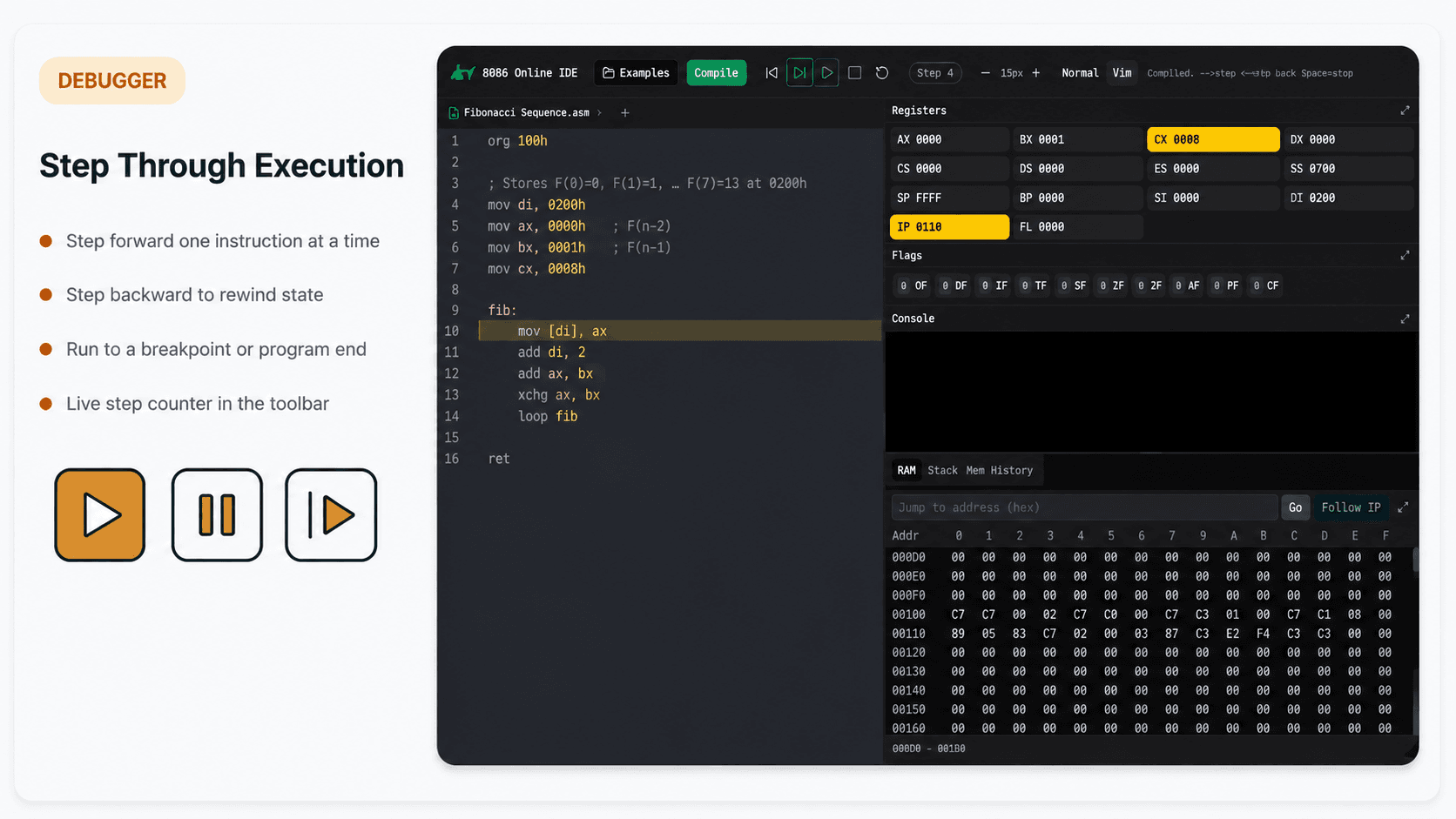
Step through execution
- Step forward one instruction at a time while watching CPU state change.
- Step backward support makes execution easier to inspect and reason about.
- Run controls can continue until a breakpoint or program end.
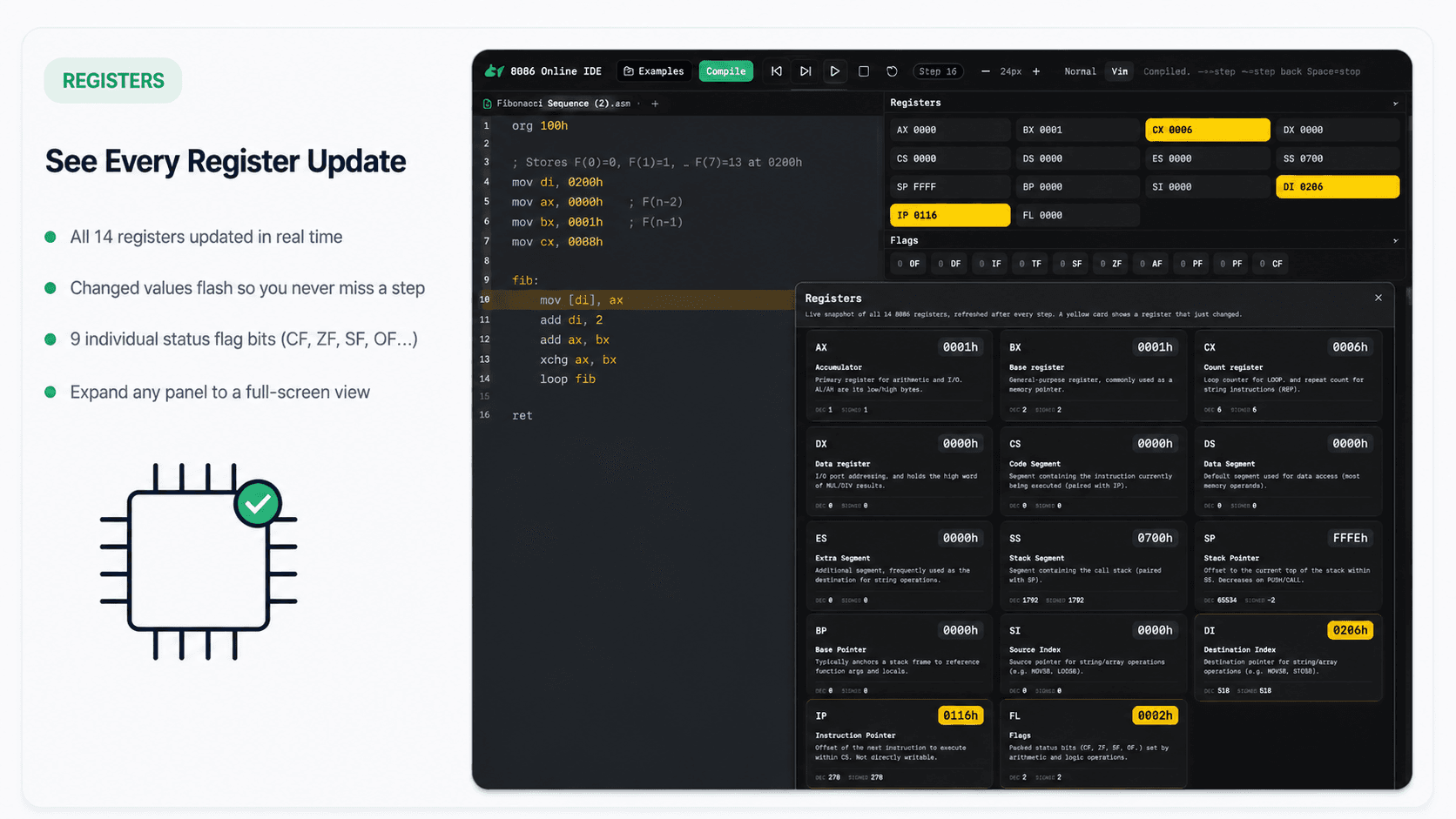
Register inspector
- Shows all 14 core 8086 registers plus status flags.
- Changed register values are visually highlighted after each step.
- Expandable panel gives a focused view for CPU-state debugging.
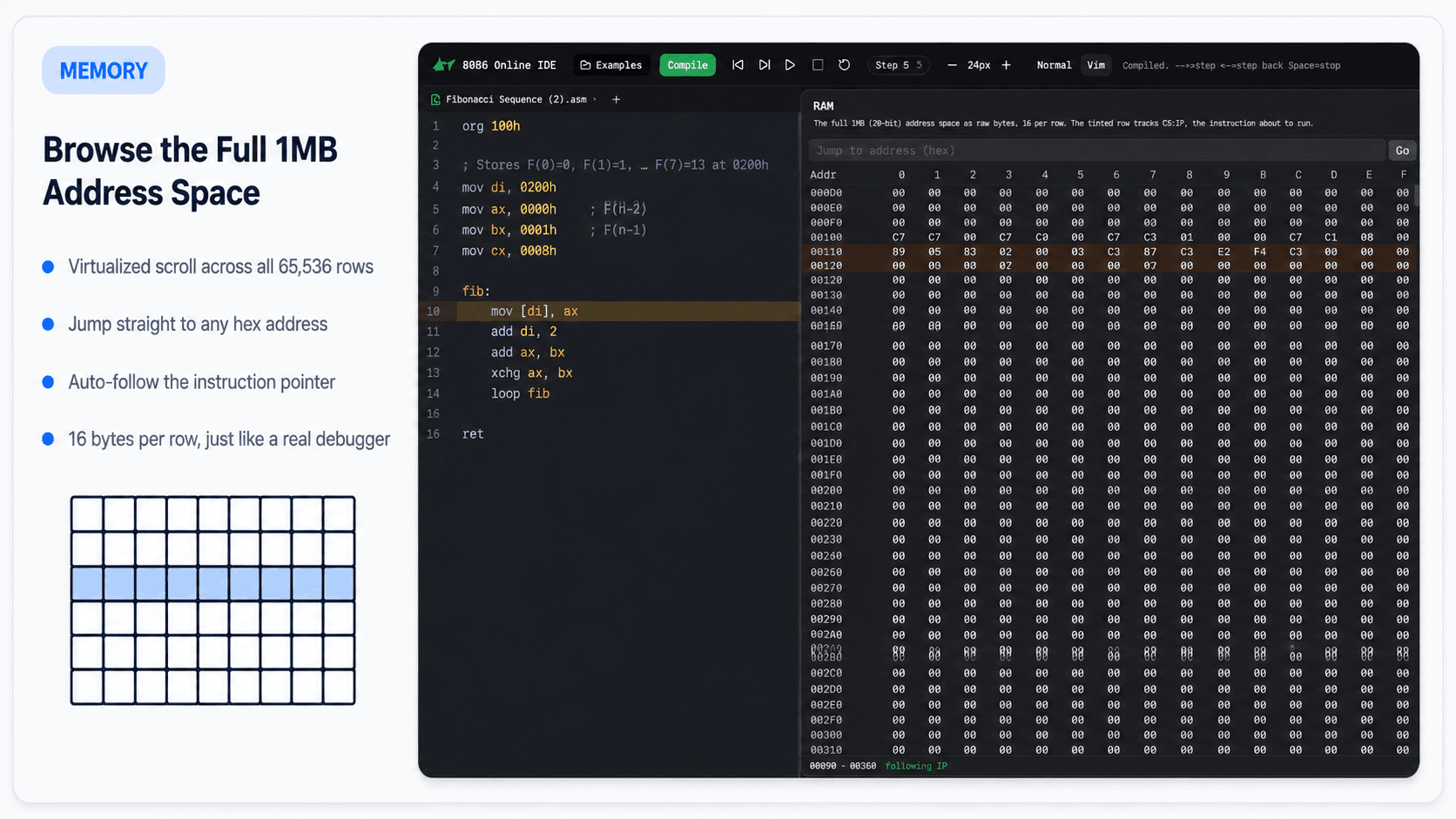
Full 1MB memory browser
- Virtualized RAM browser covers the full 20-bit 1MB address space.
- Jump-to-address search makes inspection fast.
- Auto-follow mode keeps the memory view near the instruction pointer.
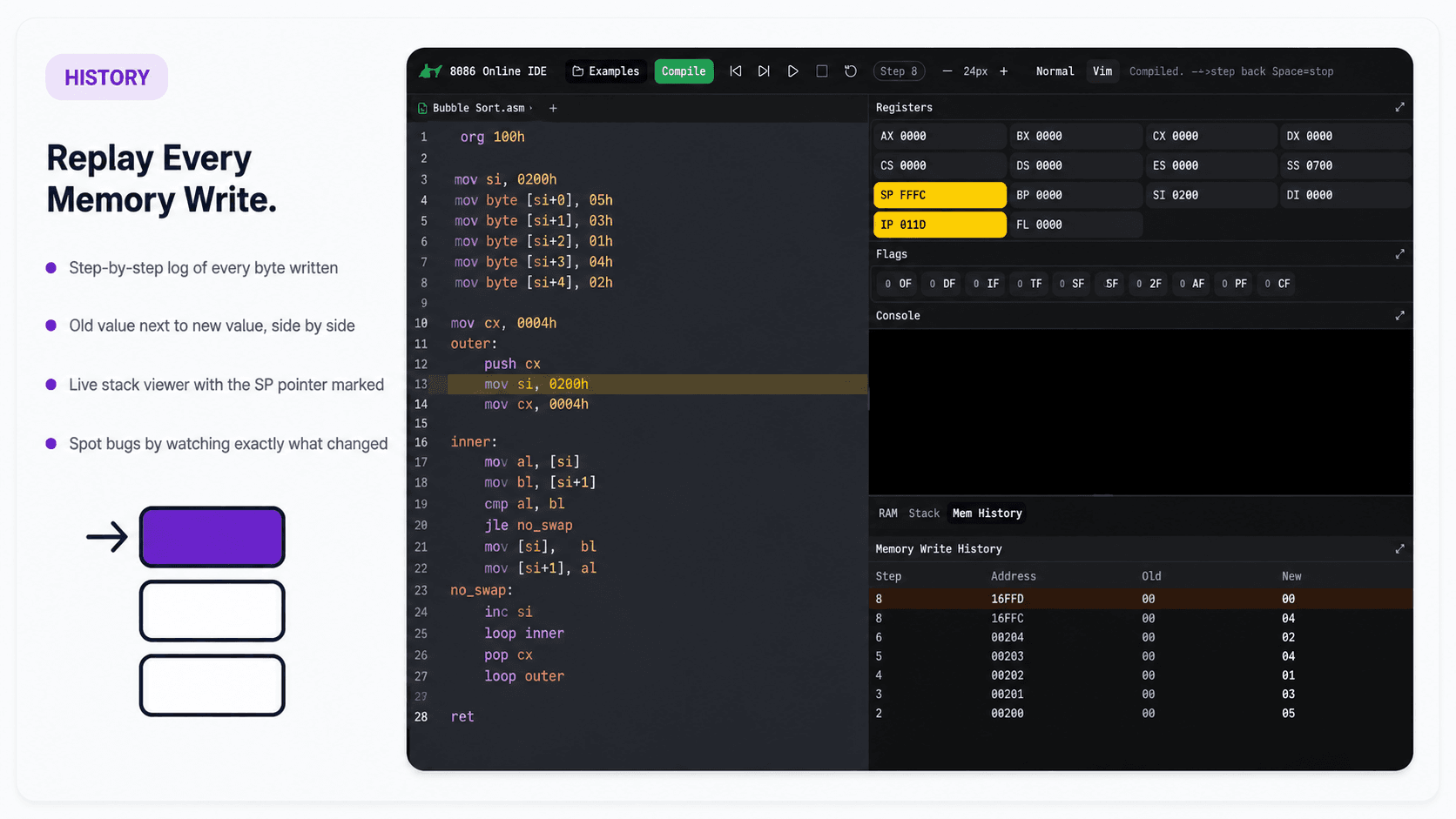
Memory write history
- Chronological log records every byte written during execution.
- Old and new values are shown side by side for debugging.
- Stack viewer marks the SP pointer so memory effects are easier to trace.
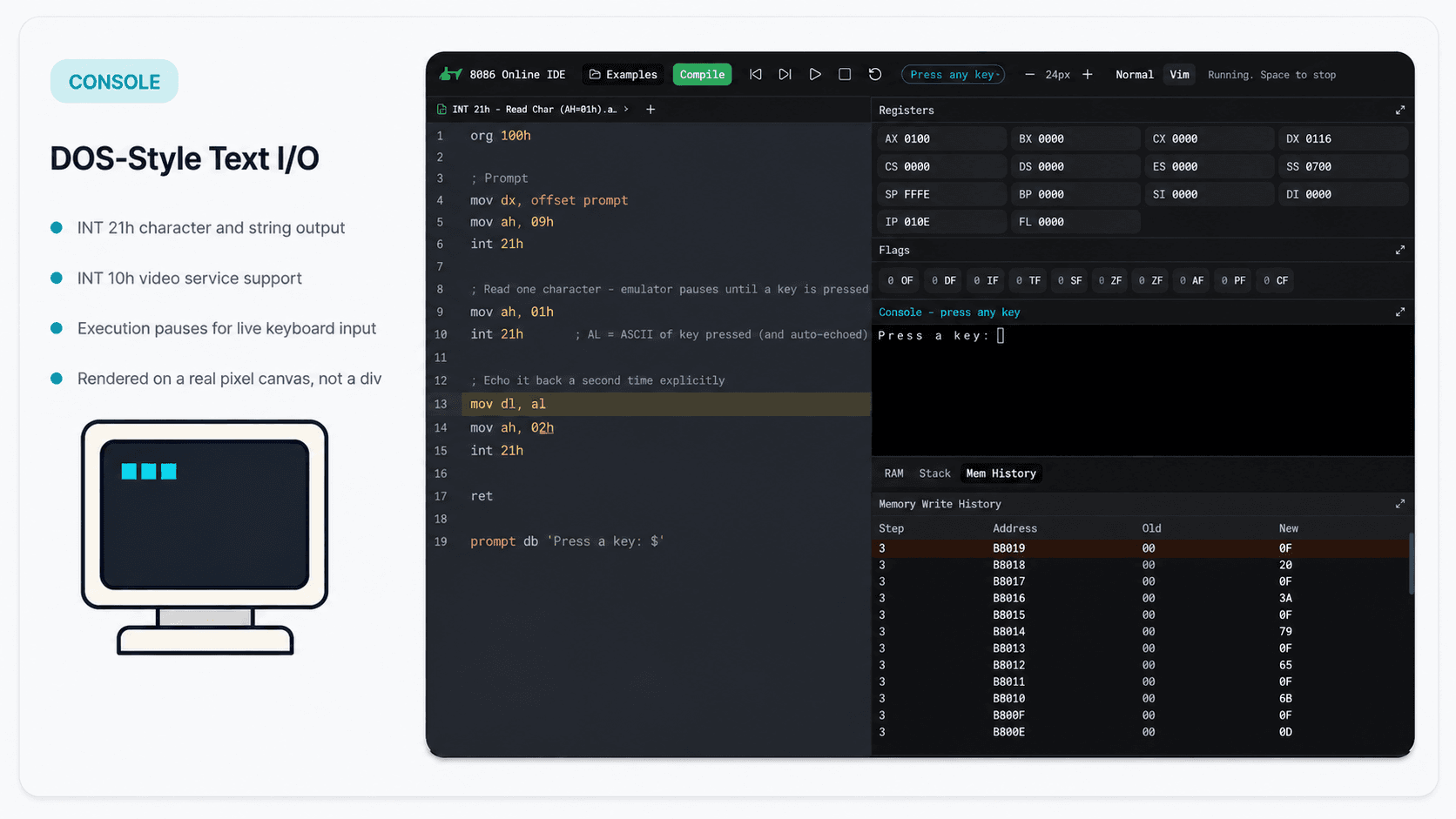
DOS-style text I/O
- Canvas-rendered console supports DOS-style text interaction.
- INT 21h and INT 10h flows can pause execution for keyboard input.
- Programs can demonstrate real interactive assembly I/O in the browser.
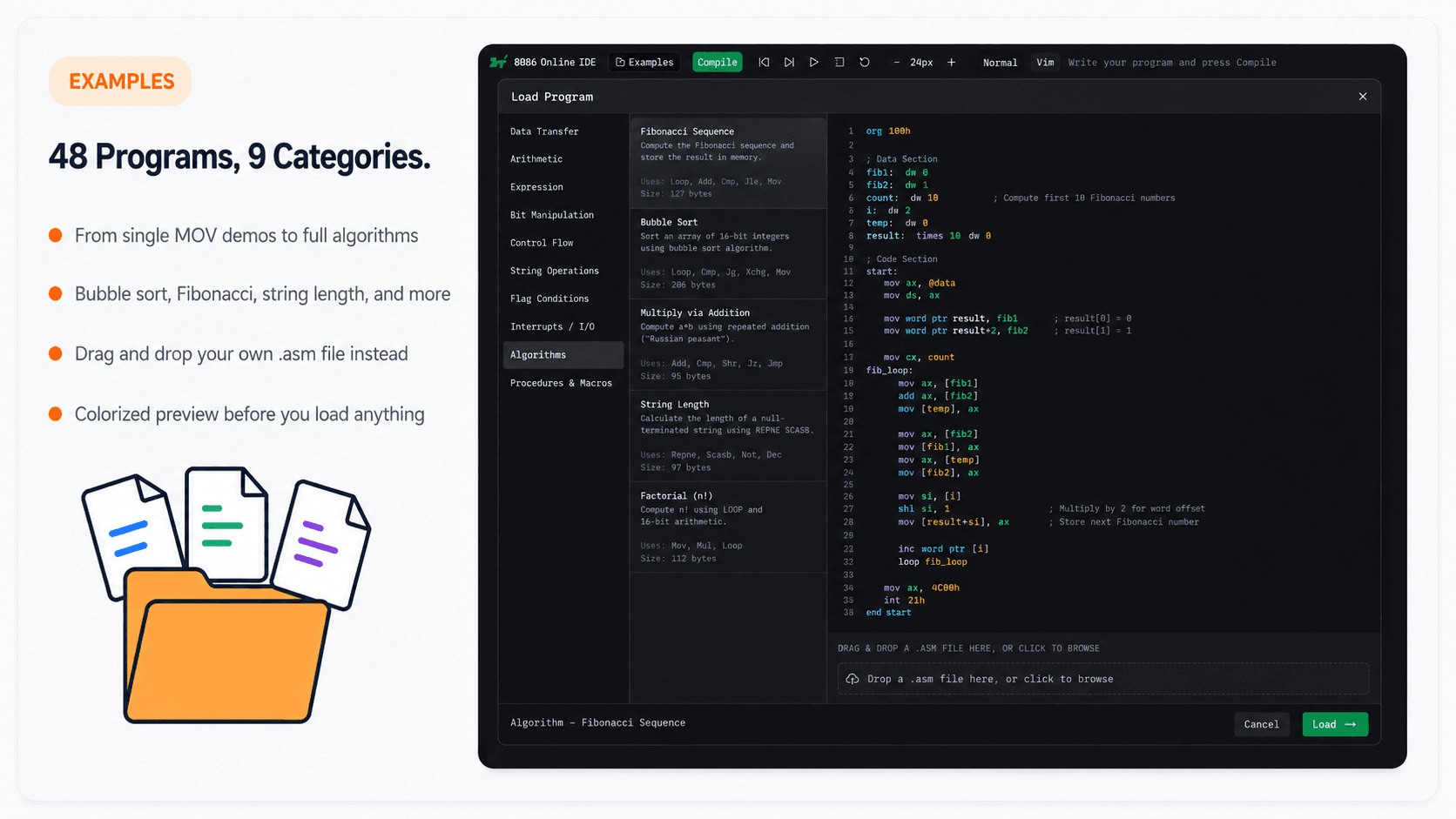
Built-in example programs
- Includes 48 example programs across 9 categories.
- Covers simple instruction demos through algorithms like Bubble Sort and Fibonacci.
- Source preview helps users inspect examples before loading them.
A project like this one?
Describe it in two lines on WhatsApp, and we reply directly.
Next projectIMRaD Analyzer